
Learn how to edit the Footer Menu and Contact information in Magento using html code
Example change phone number in Footer #
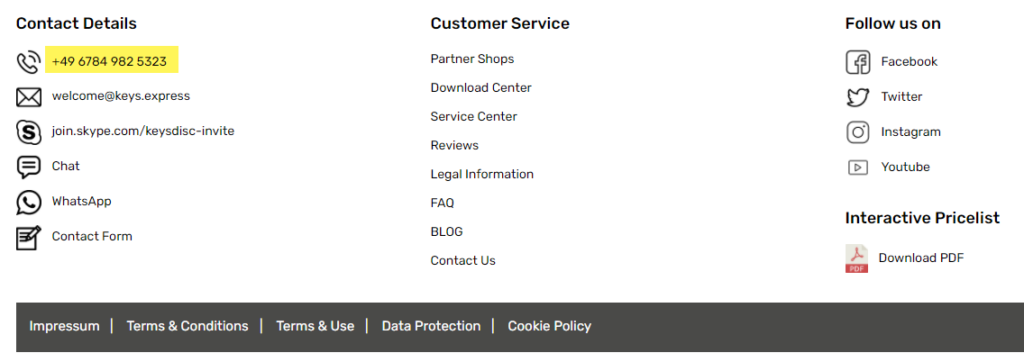
How can we change the phone number for the German DE Store View?
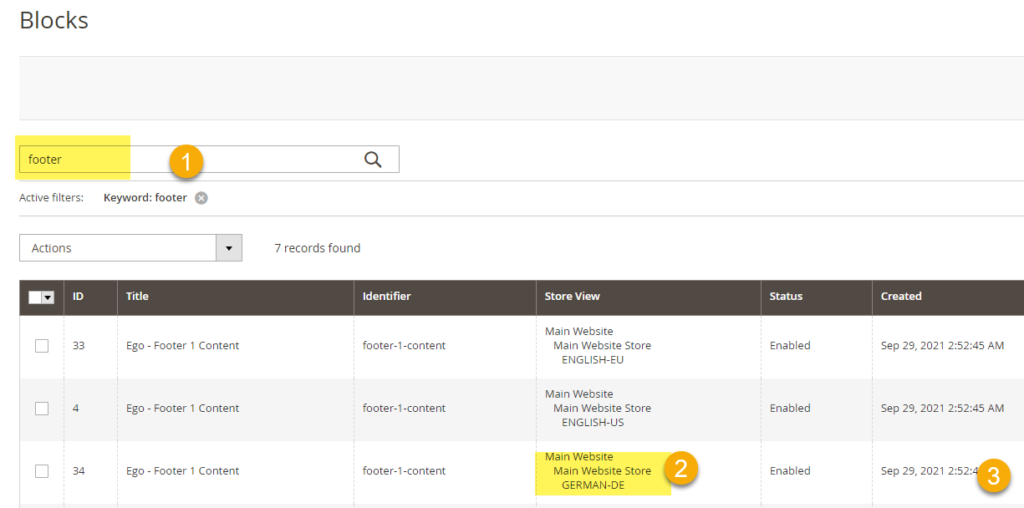
Go to Content > Blocks > (1) Search for the “footer” > find the “Ego – Footer 1 Content” block for the store view (flag) needed (2) then > (3) Edit
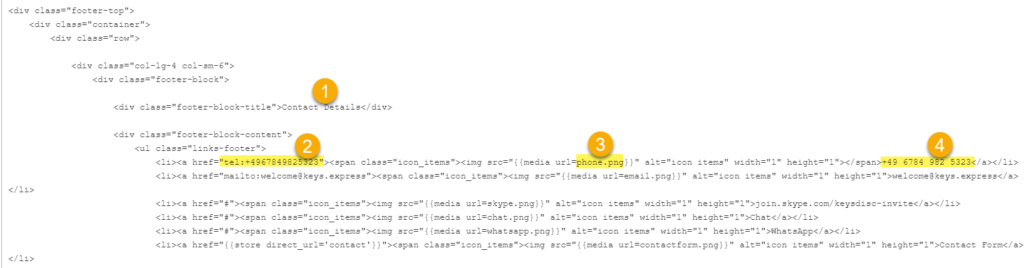
Scroll down to the Content, Edit the content in HTML, then:
1) Find the Content Details Section
2) modify the link
3) update the icon if necessary
4) modify the text that is displayed on the site
Save block, clear cache and check the correction was successful.


